
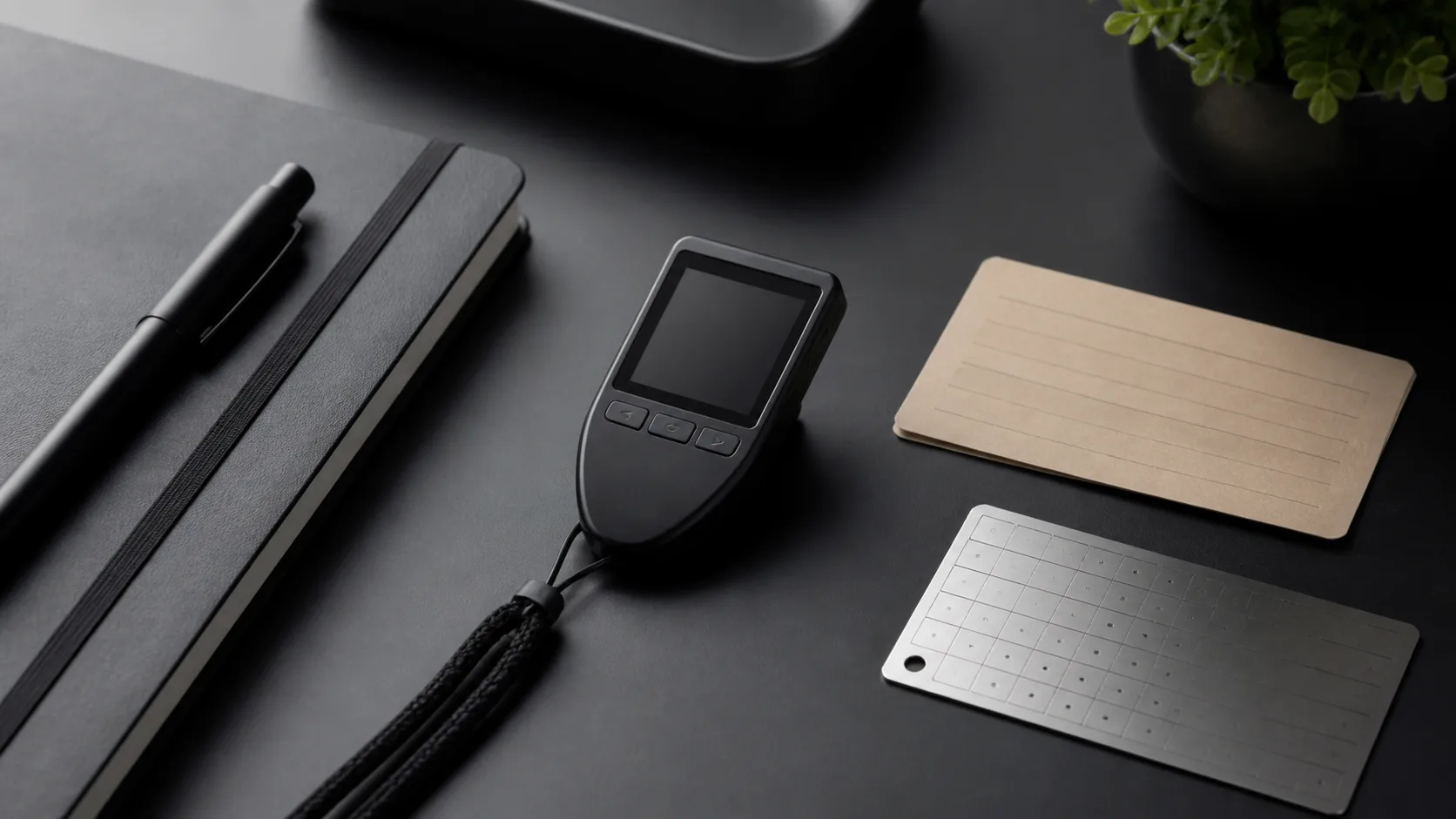
A hardware wallet can reduce the exposure of private keys to an internet-connected computer, but the device is only one part of a secure setup. The wallet backup, the computer used during setup, the address shown on the device and the owner’s recovery plan can each become the weakest link. These ten practices focus on the controls that remain relevant across Trezor models rather than on short-lived product tricks.
1. Start from an official setup path
Use the manufacturer’s official start page and verify that you are using genuine Trezor software. Search ads, look-alike domains and unsolicited “support” messages can lead to phishing sites. A legitimate setup should never require you to type a newly generated wallet backup into a random website.
2. Let the device generate the wallet backup
The backup—historically called a recovery seed—contains the information needed to recover the wallet. Trezor’s official backup guidance says it should be generated during the wallet setup and kept private. If a device arrives with preprinted words, a scratch card or instructions to use an existing backup, do not fund it.
3. Keep the backup offline
Do not photograph, scan, email or store the words in cloud notes or a password manager. Digital copies can be duplicated without visible evidence. Record the backup away from cameras and microphones, then store it where fire, water, theft and accidental disposal have been considered.
4. Separate device security from backup security
A PIN helps protect the physical device. It does not neutralize an exposed wallet backup. Anyone who obtains the complete backup may be able to recreate the wallet elsewhere. Conversely, a destroyed device is recoverable if the backup remains intact and compatible.
5. Understand passphrases before using them
A passphrase can create a separate wallet derived from the same backup, but it also creates another critical secret. A mistyped or forgotten passphrase opens a different wallet, not an error message. Use this feature only after understanding recovery, documenting a safe process and testing with a small amount.
6. Verify the destination on the hardware display
Malware can replace an address copied on a computer. Before approving a transaction, compare the full destination and amount shown on the trusted device display with the intended payment. Do not rely solely on the browser or desktop application.
7. Verify receiving addresses too
When receiving funds, use the device’s address-verification function. An attacker who controls the computer interface may display an address that belongs to the attacker. The hardware display exists to provide an independent confirmation channel.
8. Treat firmware updates as security operations
Install updates through official software, read the release information and make sure the wallet backup is available before beginning. Do not accept firmware delivered through email attachments or unofficial downloads. An update should not require exposing the backup to a computer.
9. Test recovery without exposing real funds
A backup that was copied incorrectly is not a backup. Use a supported dry-run or recovery-check process where available. Avoid typing the words into websites or general-purpose devices. If you perform a full recovery exercise, understand exactly where the words will be entered and move only a small test balance first.
10. Plan for loss, incapacity and inheritance
A strong setup can still fail if nobody can recover funds after an accident. Document enough procedure for a trusted person or executor to locate the necessary materials without placing the complete secret in one obvious location. Review the plan when devices, backup formats or personal circumstances change.
Trezor’s guide to keeping a wallet backup safe emphasizes threat modelling: remote attacks, physical theft and environmental damage need different controls. Our broader guide to public keys, private keys and wallet addresses explains which information can be shared and which information grants control.
No checklist eliminates custody risk. Test every process with a small amount, distrust anyone asking for backup words and seek specialist help for high-value or institutional custody.