
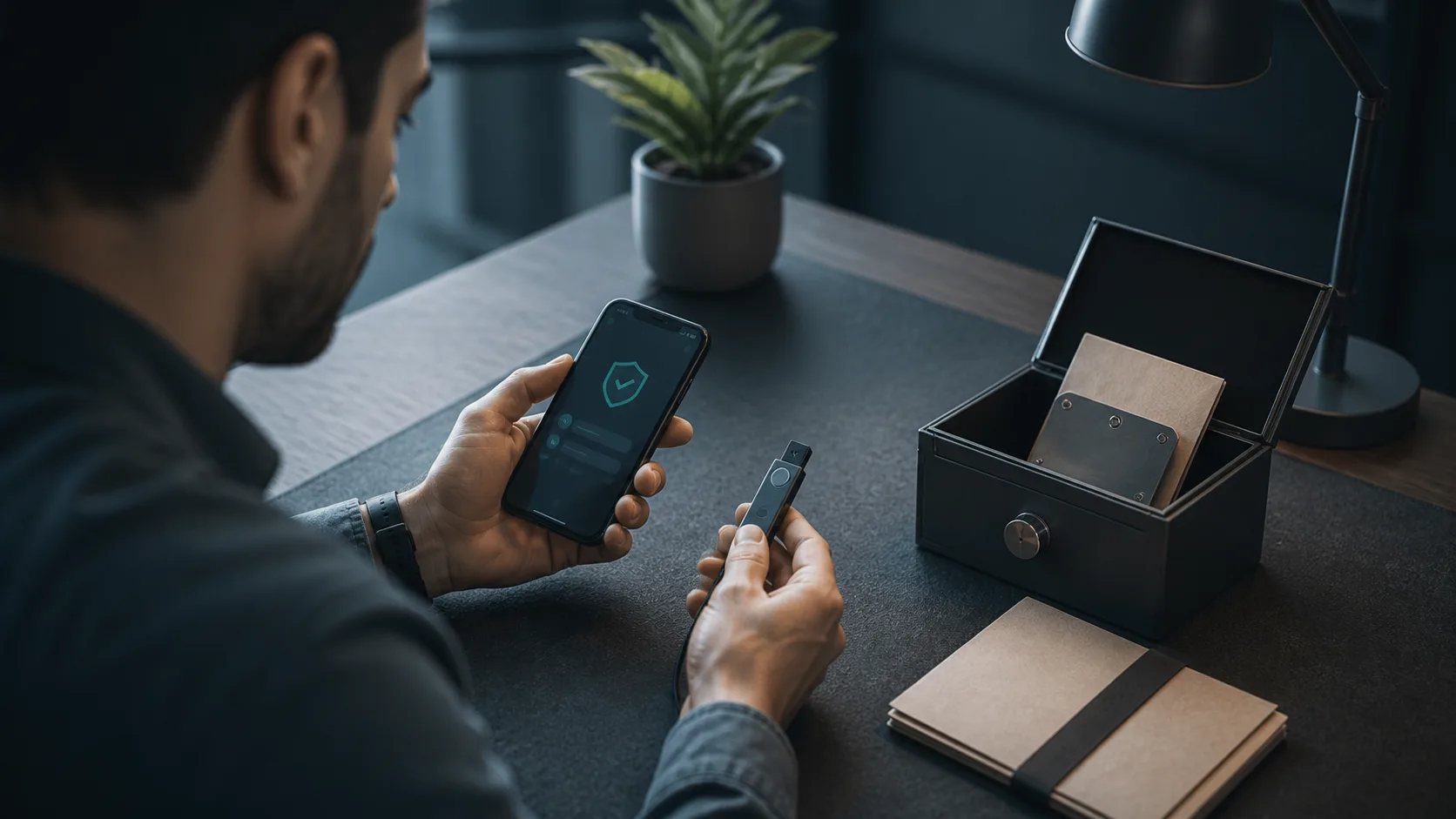
A TRON wallet is not a container where TRX or TRC-20 tokens physically reside. The assets remain recorded on the network; the wallet manages the private keys that authorize transactions. That distinction turns wallet selection from a popularity contest into a question about control, recovery and the kinds of transactions a person expects to sign.
No fixed list can honestly cover “all” TRON wallets. Products disappear, change ownership, add networks or stop receiving security updates. The safer approach is to choose a category first, then verify the current software and download channel against primary documentation.
Start with the job the wallet must perform
- Frequent payments and DApps: a maintained mobile or browser wallet offers convenience, but the device remains online and exposed to phishing, malicious extensions and approval scams.
- Long-term control: a hardware signer can keep private keys away from an internet-connected computer. The user still needs to inspect transaction details and protect the recovery phrase.
- Technical administration: command-line software can support local key management and scripted workflows, but it requires stronger operational discipline and is unsuitable for many casual users.
- Shared or organizational funds: multi-signature and permission controls matter more than a polished consumer interface.
TRON’s current wallet and account documentation distinguishes hot wallets, browser extensions, web interfaces, hardware devices and command-line tools. It also makes the essential point that anyone who obtains a private key or mnemonic can control the corresponding account.
A four-part verification before depositing funds
- Origin: begin from the project’s official website or repository, not a search advertisement, direct message or copied app-store listing.
- Recovery: confirm that the wallet explains how backups work and test recovery with a new, low-value account before relying on it.
- Transaction display: check whether the device or app shows the destination, asset, network and smart-contract request clearly before signing.
- Maintenance: review recent releases, security notices and supported operating systems. Historical popularity does not prove current safety.
The TRON ecosystem directory lists mobile, extension and hardware options, but inclusion should be treated as a discovery aid rather than a guarantee. Users still need to verify the developer, current support and software source independently.
Risks that hardware alone does not solve
A hardware device reduces key exposure, but it cannot make a deceptive smart-contract approval safe. If a user authorizes an unlimited allowance or signs a malicious transaction, the device may faithfully approve the wrong action. Address poisoning creates another trap: an attacker sends a small transaction from a look-alike address, hoping the victim later copies it from history.
Recovery practices can also defeat strong hardware. Photographing a seed phrase, storing it in cloud notes or entering it into an imitation support page converts an offline secret into an online one. TRON’s security guidance emphasizes official download channels, offline backups and skepticism toward unsolicited links and support requests.
A wallet can be convenient, auditable or isolated from the internet, but no product removes the need to verify what is being signed.
For a new setup, create the account through a verified application, record the recovery material offline, send a small test amount and practice receiving and signing before moving a larger balance. For an existing setup, review token approvals and remove software that no longer receives updates. The best wallet is not the one with the longest feature list; it is the one whose security model matches the user’s actual behavior and can be recovered without exposing the keys.